

Midjourney produces some of the most visually striking AI art available, but getting good results requires understanding its prompt syntax, parameters, and style controls. This guide walks beginners through setup, your first generation, advanced prompting techniques, and practical tips for getting consistent, usable output.
Getting Started with Midjourney
What is Midjourney?
Midjourney is an AI-powered tool that transforms text descriptions into visually captivating artwork. In other words, you toss it a phrase, and voila, it spits out art. It’s like having a genie, but instead of wishes, you get digital canvases. The appeal? The ease and speed of bringing your imaginations to life, no paint brushes stained or hours spent scouring stock images.
Signing Up for Midjourney
You’re sold on the concept (or skeptical and curious—both are valid), now what? Head over to the Midjourney website where you’ll sign up using your email. Free users get a modest bundle of images per month—think of it as a sampler platter. But beware, once you get hooked, subscriptions start at $10/month for more extended access.
Navigating the Interface
Let’s get one thing straight, Midjourney’s interface is not the second coming. It’s a bit lean and minimalist. Some might argue it’s beautifully “streamlined”, others might say it’s about as engaging as alphabet soup. Personally, I’d say it’s manageable for most, though lacking pizzazz.
You’ll spend most of your time typing input commands and browsing galleries which are straightforward despite the lack of a visually engaging workspace.
Creating Art with Text Prompts
This is the core experience of Midjourney. You start by entering what’s known as a “prompt.” The prompt is your ticket to digital artistry. Here are some basics:
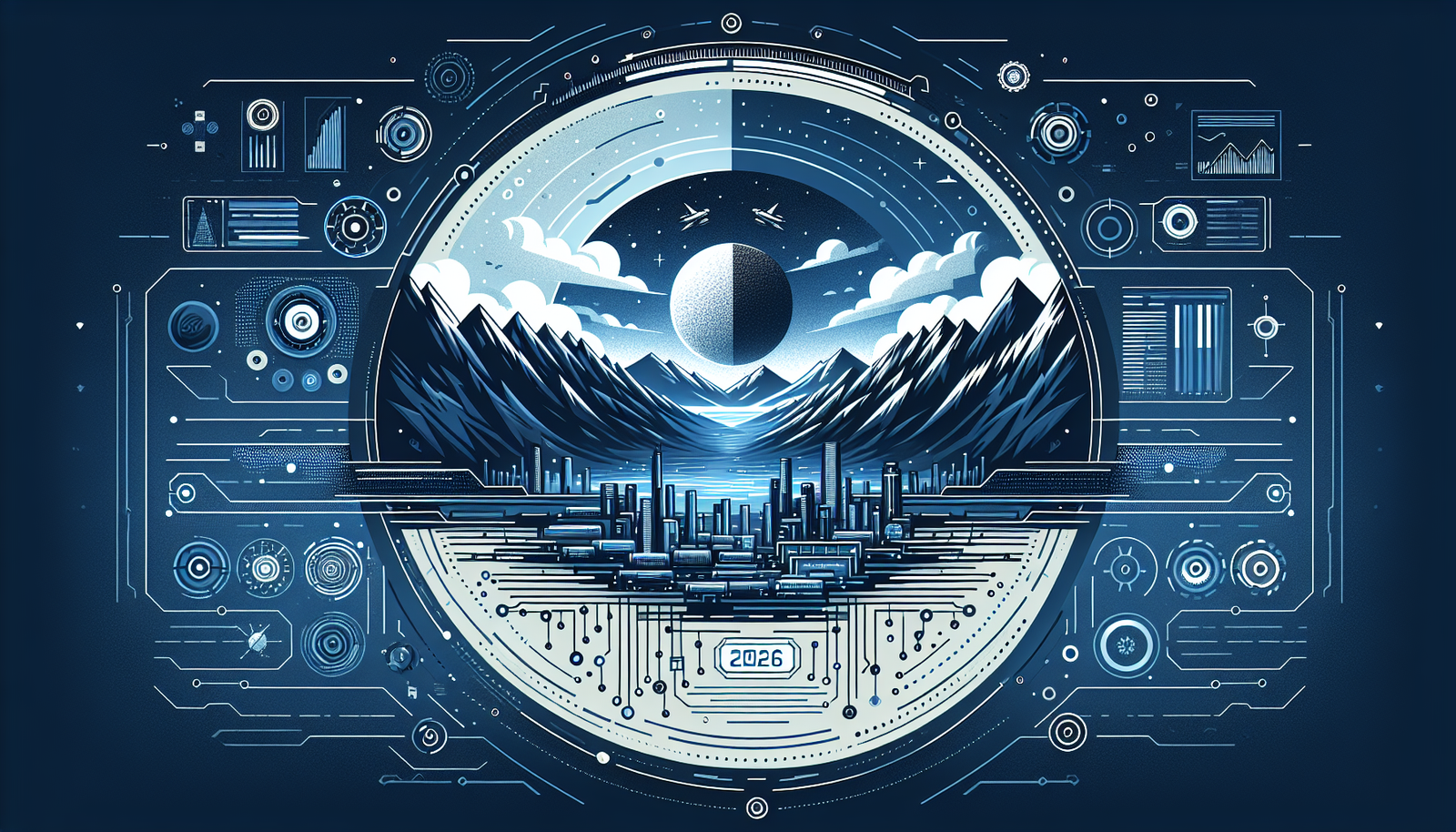
– Type a simple sentence or a keyword combo: “sunset over mountains” or “surreal dreaming cityscape.”
– Add style cues for extra flavor: try “pastel”, “monochrome”, or “cyberpunk”.
– Keep iterating and tweaking: Each attempt is a new venture.
From beginners fumbling their first prompts to digital artists seeking that eccentric spark, Midjourney’s magic is in its unpredictability—results may vary, and often beautifully so.
Features Worth Noting
Remember, I said Midjourney is both brilliant and flawed? Let’s unpack that. Explore the features, some impressive, others needing polish.
Gallery Collections
Let me just admit, Testing revealed this feature. As you build your gallery, Midjourney organizes your creations cleverly and allows you to reflect on your journey (pun fully intended). However, be cautious—gallery management tools are basic, and images can overwhelm easily.
How to Set Up Your Midjourney Account
Getting started takes about five minutes. First, create a Discord account if you do not have one already, since Midjourney operates entirely through Discord. Next, visit the Midjourney website and click “Join the Beta” or go directly to the Midjourney Discord server. Once you are in the server, navigate to one of the “newbies” channels where beginners generate their first images. To create an image, type /imagine followed by your text prompt and press enter. Midjourney processes your request and returns four image variations within about sixty seconds. From there, you can upscale your favorite result to full resolution or generate new variations based on any of the four options. The entire workflow happens through Discord commands, which feels unusual at first but becomes second nature after a few sessions.
For a more private experience, you can invite the Midjourney bot to your own Discord server or use direct messages with the bot. This keeps your prompts and generations out of the public channels, which is useful if you are working on client projects or simply prefer not to share your creative process with thousands of strangers. The Pro plan also includes stealth mode, which prevents your images from appearing on the Midjourney public gallery.
Community and Collaboration
Midjourney has this lively community bubbling with inspiration. They’re the corner pub where ideas are shared freely—except there’s no actual pint to clink. On the downside, for newbies, diving into this community could feel like your first time in Berlin’s techno club. A bit intimidating.
Editing Tools
Currently, Midjourney doesn’t include robust editing tools. It’s like painting in the buff—liberating but missing those extra features like cropping or layering. This might bug more control-driven creators.
Writing Effective Prompts: The Real Skill Behind Midjourney
The quality of your Midjourney output lives and dies by your prompt. A vague prompt like “cool landscape” will give you something generic. A specific prompt like “misty alpine valley at golden hour, cinematic lighting, wide-angle lens, photorealistic” will give you something you actually want to use. Learning to write prompts well is the single biggest lever you have for improving your results.
Start Simple, Then Layer Details
Begin with the core subject. What do you want to see? A portrait, a cityscape, an abstract pattern? State that first. Then add descriptors in order of importance: style, mood, lighting, color palette, camera angle, and medium. Midjourney weighs the beginning of your prompt more heavily than the end, so front-load the elements that matter most to you. A prompt structured as “subject, style, mood, details” consistently outperforms one that buries the subject under adjectives.
Use Style References and Artist Influences
Midjourney responds well to artistic references. Adding phrases like “in the style of Studio Ghibli” or “Art Deco illustration” gives the AI a clear visual direction. You can also reference photography styles such as “35mm film grain,” “tilt-shift photography,” or “long exposure.” Combining multiple style references, like “watercolor painting with cyberpunk elements,” produces some of the most interesting and unique results. Experiment freely here because unexpected combinations often yield the best surprises.
Master the Parameters
Beyond the text prompt, Midjourney accepts parameters that control the output. The most useful ones for beginners include –ar for aspect ratio (try –ar 16:9 for widescreen or –ar 9:16 for vertical), –stylize (or –s) which controls how strongly Midjourney applies its own artistic interpretation, and –chaos which introduces variation between the four generated images. Low chaos gives you four similar options while high chaos gives you four wildly different interpretations of the same prompt. Start with –s 100 and –chaos 20, then adjust based on what you get.
Negative Prompting with –no
If Midjourney keeps adding elements you do not want, use the –no parameter. For example, “–no text, watermark, blurry” tells the AI to avoid those elements. This is particularly useful when generating images for professional use where stray text artifacts or unwanted objects would ruin the output. Negative prompting does not guarantee perfect results, but it significantly reduces the frequency of common unwanted elements.

The Limitations of Midjourney
Yes, Midjourney is not Voldemort’s horcrux—it’s not flawless. Some stone have been left unturned.
– Intricate Details Lost: When the prompt becomes too detailed, the magic dims a bit. It struggles with intricacies.
– Real-Time Collaboration: This isn’t Google Docs for art. Collaborative features are limited compared to its competitors.
– Crutch for Creativity: Overreliance on AI can sap creativity. Instead of perfect execution, seek inspiration.
Practical Use Cases for Midjourney
Midjourney is not just a toy for making cool desktop wallpapers, though it does that well too. Here are the ways people are putting it to real work.
Social Media and Content Marketing
Creating unique visual content for social media is expensive and time-consuming when you rely on photographers or graphic designers for every post. Midjourney fills that gap for small businesses and solo creators who need eye-catching visuals on a budget. Generate a batch of on-brand images, refine the best ones with a tool like Canva or Photoshop, and you have a week’s worth of social content in under an hour. The key is developing a consistent prompt style so your visual brand stays cohesive across posts.
Concept Art and Mood Boards
Designers and creative directors use Midjourney to rapidly prototype visual ideas before committing to full production. Need to pitch three different visual directions for a client’s brand refresh? Generate mood boards for each direction in minutes rather than days. The images are not final production assets, but they communicate creative intent far more effectively than a written brief ever could. This alone has made Midjourney a staple in design studios and advertising agencies.
Book Covers and Publishing
Independent authors and small publishers use Midjourney to create book cover concepts and interior illustrations. A self-published author who cannot afford a custom illustrator for each title can generate professional-quality cover art that stands out in crowded online marketplaces. The images typically need refinement in Photoshop for text overlay and final composition, but the base artwork from Midjourney saves thousands of dollars compared to commissioning original illustrations.
Personal Projects and Learning
Not every use case needs a business justification. Midjourney is a fantastic tool for exploring your own creative instincts. Use it to visualize story ideas, create custom artwork for your home, design game assets for hobby projects, or simply experiment with artistic styles you have always admired but never had the technical skills to produce yourself. The barrier to entry is essentially zero, which makes it one of the most accessible creative tools ever built.

The Verdict: Is Midjourney Worth It?
Taking Midjourney for what it offers can be an incandescent journey (no sarcasm here). For those who appreciate the swirling dance of unexpected creativity and have a gang of prompts ready, this is your rodeo. But if you need precise fingers on the brush or software to go from concept to tangible asset, you might find Midjourney a tentative step.
| Aspect | Strength | Limitation |
|---|---|---|
| Features | Community-driven galleries | Lack of editing tools |
| Usability | Straightforward prompt input | Minimalist interface |
| Pricing | Affordable subscription | Free plan limitations |
Midjourney Rating: 7/10
Solid entry point for AI-generated art with a unique charm, though it doesn’t paint over all the rough edges.

FAQs
How beginner-friendly is Midjourney?
Very! Despite its minimalist interface, beginners can grasp the basics of prompt creation swiftly. More advanced users may seek deeper functionality.
What kind of art styles can Midjourney create?
A plethora! From surreal landscapes to cyberpunk urban areas, Midjourney covers a wide range. The magic lies in your prompts.
Are there alternatives to Midjourney?
Yes. Tools like DALL-E 2 and Artbreeder offer similar AI art generation services, each with distinct features and creative spins.
Can I layer or manipulate images after creation?
Midjourney doesn’t offer editing post-creation, which might frustrate those who need fine-tuning.
Are the images from Midjourney copyright-free?
Typically, you’re free to use images personally. However, commercial use might require more due diligence on terms and conditions.
How much does Midjourney cost in 2026?
Midjourney offers several subscription tiers. The Basic plan starts at ten dollars per month and gives you roughly 200 image generations. The Standard plan at thirty dollars per month offers unlimited relaxed generations and fifteen hours of fast generations. For heavy users, the Pro plan at sixty dollars per month provides thirty hours of fast generation time and stealth mode for private image creation. There is no free tier currently available, though Midjourney occasionally runs limited free trials for new users.
Can I use Midjourney images commercially?
Yes, with caveats. Paid subscribers own the rights to their generated images and can use them commercially. Free trial users, when trials are available, receive a Creative Commons non-commercial license. However, AI-generated art exists in a legal gray area regarding copyright in many jurisdictions. If you plan to use Midjourney images as central elements in commercial products, consult with a legal professional familiar with AI-generated content in your region. For most use cases like social media, blog posts, and marketing materials, paid subscribers are on solid ground.
What is the difference between Midjourney and DALL-E?
Both tools generate images from text prompts, but they have distinct strengths. Midjourney tends to produce more artistic, painterly results with stronger aesthetic appeal out of the box. DALL-E, created by OpenAI, typically produces more photorealistic output and handles text rendering within images better. DALL-E also integrates directly with ChatGPT, making it more convenient for users already in that ecosystem. Midjourney runs through Discord, which some find cumbersome but others appreciate for the community aspect. Many creators keep subscriptions to both and choose based on the specific project.
So, that’s the down-low on how to make Midjourney your digital canvas. Wrap your head around those prompts, embrace the creative chaos, and who knows—your next masterpiece might just be a click away.
Keep Reading on AI Tool Trail
From our network: Best Tools For Remote Teams 2026 | Slack vs Microsoft Teams For Remote Workers
Tools mentioned in this article:
More From Trail Media Network
AI Tool Trail is part of the Trail Media Network. Check out what the rest of the team is covering:
- Creator Trail — AI tools for content creators and YouTubers
- Freelancers Trail — AI-powered tools for freelance professionals
- EdTech Trail — AI tools transforming education and learning
- Side Hustle Trail — AI tools to build and grow side income
Test everything. Trust nothing. — Alex
P.S. Want my complete list of tested and approved tools? Grab my free ebook here.

Hey, I’m Alex — an AI-obsessed reviewer who tests every tool so you don’t have to. I break down what works, what doesn’t, and what’s worth your money. Test everything. Trust nothing
Leave a Reply